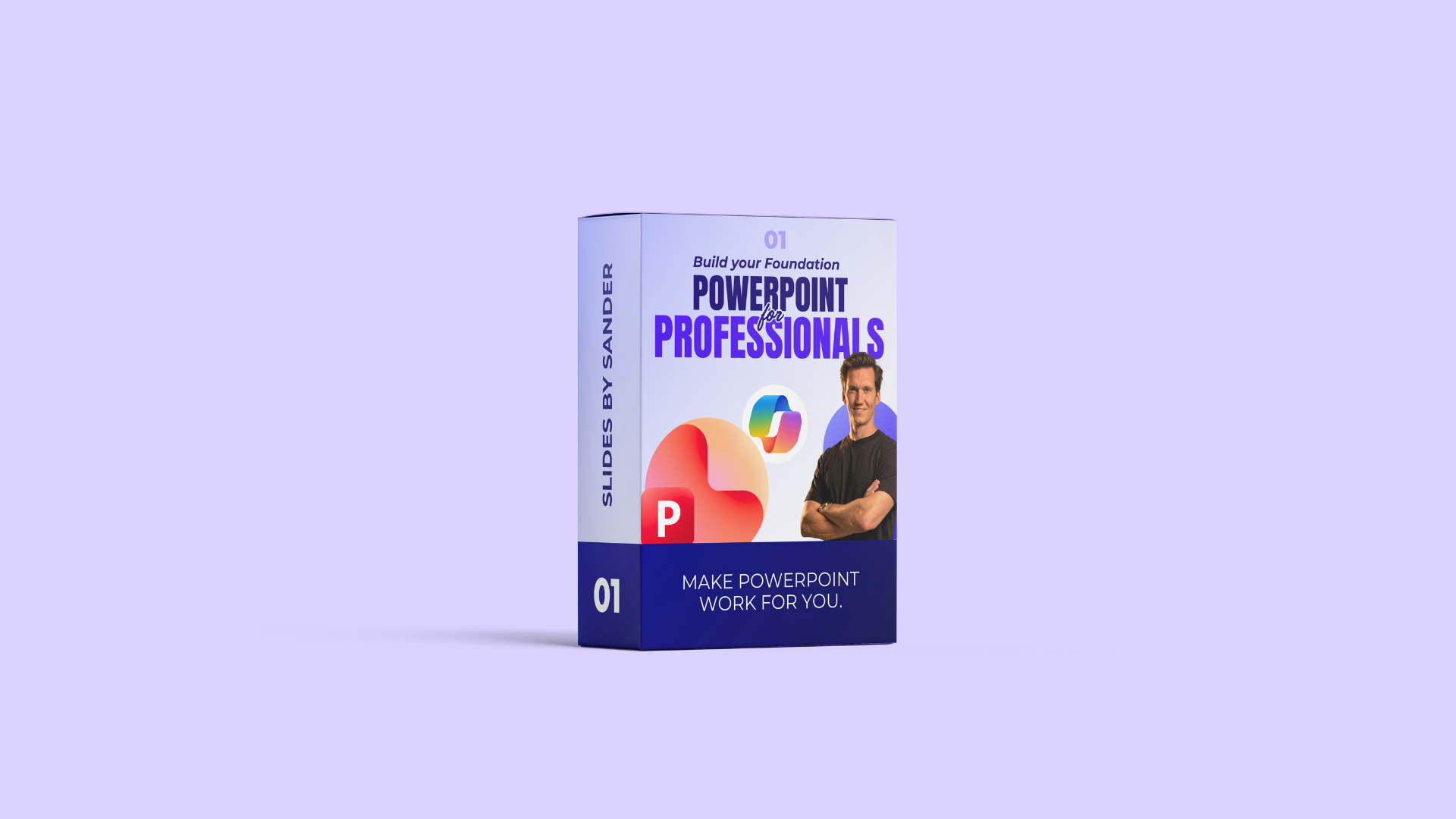
Course Curriculum
Welcome
Available in
days
days
after you enroll
01 - PowerPoint Efficiency
Available in
days
days
after you enroll
02 - Slide Master (Theoretical intro)
Available in
days
days
after you enroll
03 - Slide Master (Build your Template)
Available in
days
days
after you enroll
- Introduction (0:47)
- 01 - Setting the Theme (15:53)
- 02- Title Slide (14:37)
- 04 Agenda (22:29)
- 03 - Section Header (7:16)
- 05 - Caption with Content (10:27)
- 06 - Title, Subtitle, and Content (13:27)
- 07 - Product or Team images (1-2-3-4-...) (15:08)
- 08 - Image Placeholders Left & Right) (5:08)
- 09 - Timelines (10:02)
- 10 - Contact (6:23)
- 11 - Quotes (6:55)
- 12 - Excel Data Tables (9:58)
- 13 - Text Tables (10:03)
- 14 - Mockups (8:43)
- 15 - Flexible Layouts (8:02)
- 16 - Light and Dark Switching (25:00)
Real World Case Studies (In progress)
Available in
days
days
after you enroll

I’m Sander, your PowerPoint expert.
I’ve spent over 10 years mastering how PowerPoint really works and creating thousands of professional presentations.
As a Communication Manager, I saw how much time professionals waste fixing layouts and formatting. That’s when I realized success in PowerPoint comes from two things: building a strong foundation with the Slide Master and knowing how to design impactful, visually clear slides on top of it.
My courses include everything I’ve learned so you can save time, work more efficiently, and create presentations that look professional and perform flawlessly.